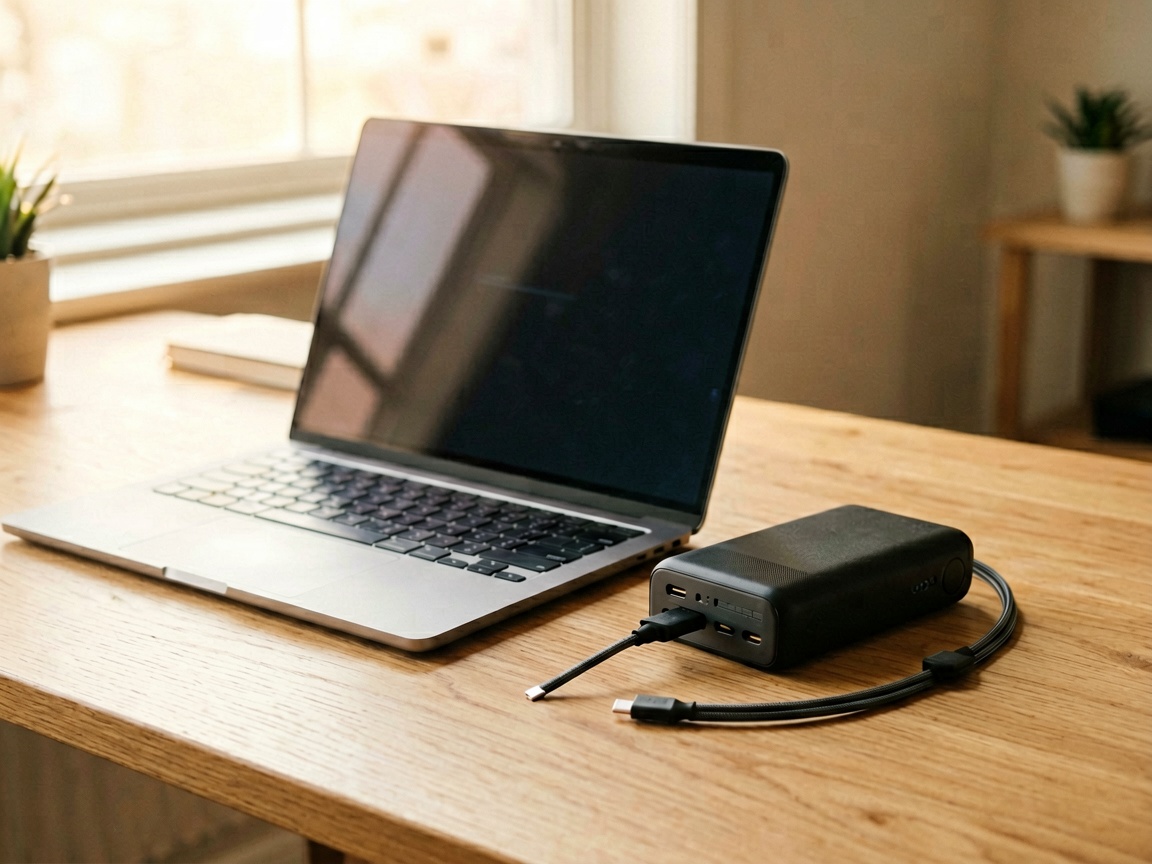
The Problem Most Guides Skip
Every “digital nomad essentials” list mentions a power bank. But they rarely distinguish between a phone charger you carry in your pocket and a real workstation replacement that keeps a MacBook Pro running at a café in Lisbon for six hours straight.
If you’re a remote worker who moves between co-working spaces, cafés, and airports, your power situation falls into two tiers:
- Day-trip mobility — a high-wattage USB-C power bank that replaces your laptop charger
- Basecamp resilience — a portable power station that keeps your laptop, monitor, and router running during outages or off-grid stays
This guide compares the best options in both tiers, tested against real remote work scenarios.
Tier 1: High-Wattage USB-C Power Banks (Day-Trip)
1. Anker Prime Power Bank (27K, 250W) — The Power User Choice
Price: ~$299 on Amazon
Specs: 27,650mAh · 250W output · 3 ports · 170W two-way input · App-controlled
This is the most powerful consumer power bank Anker has released. The 250W output means it can charge a 16-inch MacBook Pro at near-full speed while simultaneously charging an iPhone and a pair of earbuds.
What makes it relevant for remote workers: the 170W dual-USB-C input recharges the bank itself to 50% in just 13 minutes. That’s critical when you’re hopping between meetings and have a 20-minute coffee break — you can top up the power bank faster than most laptops drain it.
The companion app lets you monitor real-time power draw per port, which is useful for diagnosing whether your co-working space outlet is actually delivering what it promises.
Pros:
- 250W output handles virtually any laptop
- 13-minute half-charge via dual USB-C input
- App-based power monitoring
- TSA-approved for air travel
Cons:
- Bulky and heavy (~1.3 lbs / 590g)
- Premium price
- Requires the 250W charging base for fastest recharge (sold separately)
Best for: Developers and designers who bring a 14-16" laptop and need to guarantee zero downtime during a full workday away from an outlet.
2. Anker 737 Power Bank (PowerCore 24K, 140W) — The Balanced Pick
Price: ~$149 on Amazon
Specs: 24,000mAh · 140W output · 3 ports · Smart digital display
The 737 has been a staple recommendation since its launch, and for good reason. The 140W USB-C PD 3.1 output is enough for a 13-inch MacBook Pro or any ultrabook, and the three-port layout means you can charge your laptop and phone simultaneously.
The digital display showing remaining capacity percentage (not just dots) is genuinely useful — it eliminates the guesswork when you’re deciding whether to push through a half-day workshop or find an outlet.
At roughly half the price of the Prime 250W, this is the sweet spot for most remote workers who primarily use ultrabooks or 13-14" laptops.
Pros:
- Excellent price-to-performance ratio
- 140W handles most laptops
- Clear percentage display
- Includes travel pouch
Cons:
- Slower recharge than the Prime (no dual-input)
- 24,000mAh capacity limits multi-device days
- No app connectivity
Best for: Writers, marketers, and consultants who use a 13-14" laptop and want reliable backup power without carrying a brick.
3. Anker Laptop Power Bank (25K, 165W) — The Cable-Saving Option
Price: ~$120 on Amazon
Specs: 25,000mAh · 165W total output · 3 USB-C ports · Built-in + retractable cables
This is Anker’s newest entry and solves a problem that every nomad has faced: forgetting your charging cable at a café. It has both a built-in short USB-C cable and a retractable longer one, plus two additional USB-C ports.
The 165W total output (100W max per port) means you can charge a MacBook Pro at full speed while simultaneously topping up two phones. The built-in cables eliminate one point of failure — no more digging through your bag at the airport gate.
Pros:
- Built-in cables mean fewer things to lose
- 165W total output with flexible distribution
- Good value at ~$120
- Compact for its capacity
Cons:
- No USB-A port (modern, but limits older device support)
- Built-in cables add fixed weight
- Single USB-C output maxes at 100W (not 140W+)
Best for: Minimalists who travel light and want one less cable to manage. Ideal for iPhone + MacBook users.
Tier 2: Portable Power Stations (Basecamp & Off-Grid)
4. EcoFlow River 2 Max (499Wh, 500W) — The Nomad’s Basecamp
Price: ~$249 on Amazon
Specs: 499Wh LiFePO4 · 500W output (1,000W X-Boost) · 1-hour AC recharge · 10+ device ports
The River 2 Max sits in a unique category: it’s large enough to be a real power station but small enough to fit in a carry-on checked bag (though not itself carry-on due to capacity). The LiFePO4 chemistry means 3,000+ cycle life — that’s years of use for someone who travels monthly.
For remote workers, the key differentiator is AC output. Unlike power banks that only offer USB-C, the River 2 Max has standard wall outlets. This means you can plug in your laptop charger, a USB-C monitor, a travel router, and a desk lamp simultaneously.
The 1-hour X-Stream recharge is genuinely impressive — plug it in overnight or during a lunch break and it’s ready for the next day.
What it powers (typical remote work scenario):
- MacBook Pro (61W) × 1 → ~7 hours
- 24" USB-C monitor (30W) × 1 → ~16 hours
- WiFi router (10W) × 1 → ~50 hours
- Phone + earbids (15W combined) → ~33 hours
Pros:
- LiFePO4 longevity (3,000+ cycles)
- 1-hour AC recharge
- Multiple device support via AC + USB
- Solar-compatible for extended off-grid stays
- Solid build quality
Cons:
- Not airline carry-on compliant (over 100Wh limit for most airlines)
- Heavy (~12 lbs / 5.4 kg)
- X-Boost mode reduces overall runtime
- No USB-C PD 140W output (max USB-C is 100W)
Best for: Remote workers on month-long stays in Airbnbs with unreliable power, or those doing extended off-grid work in RVs and cabins.
Comparison Matrix
| Feature | Anker Prime 250W | Anker 737 (140W) | Anker 25K (165W) | EcoFlow River 2 Max |
|---|---|---|---|---|
| Capacity | 27,650mAh | 24,000mAh | 25,000mAh | 499Wh (~138,600mAh at 3.6V) |
| Max Output | 250W | 140W | 165W total | 500W (1,000W X-Boost) |
| Weight | ~590g | ~570g | ~550g | ~5.4kg |
| AC Output | No | No | No | Yes (3×) |
| USB-C PD | Yes (140W+) | Yes (140W) | Yes (100W max/port) | Yes (100W max) |
| Recharge Time | 13 min (50%) | ~2 hrs | ~2 hrs | 1 hour |
| Airline Carry-On | Yes | Yes | Yes | No |
| Price | ~$299 | ~$149 | ~$120 | ~$249 |
How to Choose
Scenario 1: Café & Co-Working Nomad
Pick: Anker 737 (140W) or Anker 25K (165W)
You move between locations daily, carry a backpack, and need something that fits alongside your laptop. Both Anker options weigh under 600g and fit in a side pocket. The 737 is better if you need 140W for a higher-wattage laptop; the 25K is better if you value built-in cables and want to save $30.
Scenario 2: Airport & Flight Workflows
Pick: Anker 25K (165W)
All three Anker power banks are TSA-approved. The built-in cables on the 25K model are particularly valuable at airport security — no fumbling for cables when you need to show your laptop is powered on.
Scenario 3: Month-Long Airbnb Stays
Pick: EcoFlow River 2 Max + Anker 737
The River 2 Max handles your basecamp needs — laptop, monitor, router, lamp. The Anker 737 becomes your day-trip companion when you leave the apartment. Together, they cover both scenarios without compromise.
Scenario 4: Extended Off-Grid (Cabins, RVs, Islands)
Pick: EcoFlow River 2 Max + Solar Panel
Add a 160W solar panel (also on Amazon) and the River 2 Max becomes a self-sustaining workstation. The LiFePO4 chemistry handles heat better than lithium-ion, which matters in tropical climates.
Common Mistakes Remote Workers Make
1. Underestimating Startup Power Draw
Some laptops draw more power during boot than during idle. A 65W charger might handle a MacBook Air at rest but fail to keep it charged during a full boot sequence. Always size your power bank for 140% of your laptop’s adapter wattage.
2. Ignoring Cable Management
The number one reason remote workers lose productivity on the road isn’t bad WiFi — it’s a missing cable. The Anker 25K’s built-in cable approach solves this, but even if you use the 737, invest in a quality braided USB-C cable that survives repeated packing.
3. Treating All USB-C Ports the Same
Not all USB-C ports support Power Delivery. Some power stations have USB-C data-only ports. Always verify the spec sheet lists “PD” or “Power Delivery” alongside the wattage rating.
4. Forgetting About Monitor Power
If you use an external monitor while working remotely, it draws power too. A 24" USB-C monitor typically pulls 30W. Factor this into your power budget — the River 2 Max handles this naturally with its AC outlets, while power banks require a USB-C monitor or a powered hub.
Final Verdict
For most remote workers, the Anker 737 (140W) at ~$149 offers the best balance of capacity, output, and price. It handles a 13-14" laptop comfortably, fits in any bag, and costs half of the flagship Prime model.
If you’re a power user with a 16" MacBook Pro or need app-based monitoring, the Anker Prime (250W) at ~$299 is worth the premium.
For anyone planning extended off-grid work or staying in locations with unreliable power, the EcoFlow River 2 Max at ~$249 is the only option on this list that genuinely replaces your home power setup.
The landscape has matured significantly. Five years ago, “portable laptop charging” meant a bulky 60Wh power bank that could barely fill a laptop once. Today, a $120-300 investment covers everything from airport gate sessions to full off-grid workweeks.
Last updated: July 2026. Prices sourced from Amazon.com and may vary. All links use affiliate tags — we earn from qualifying purchases at no extra cost to you.